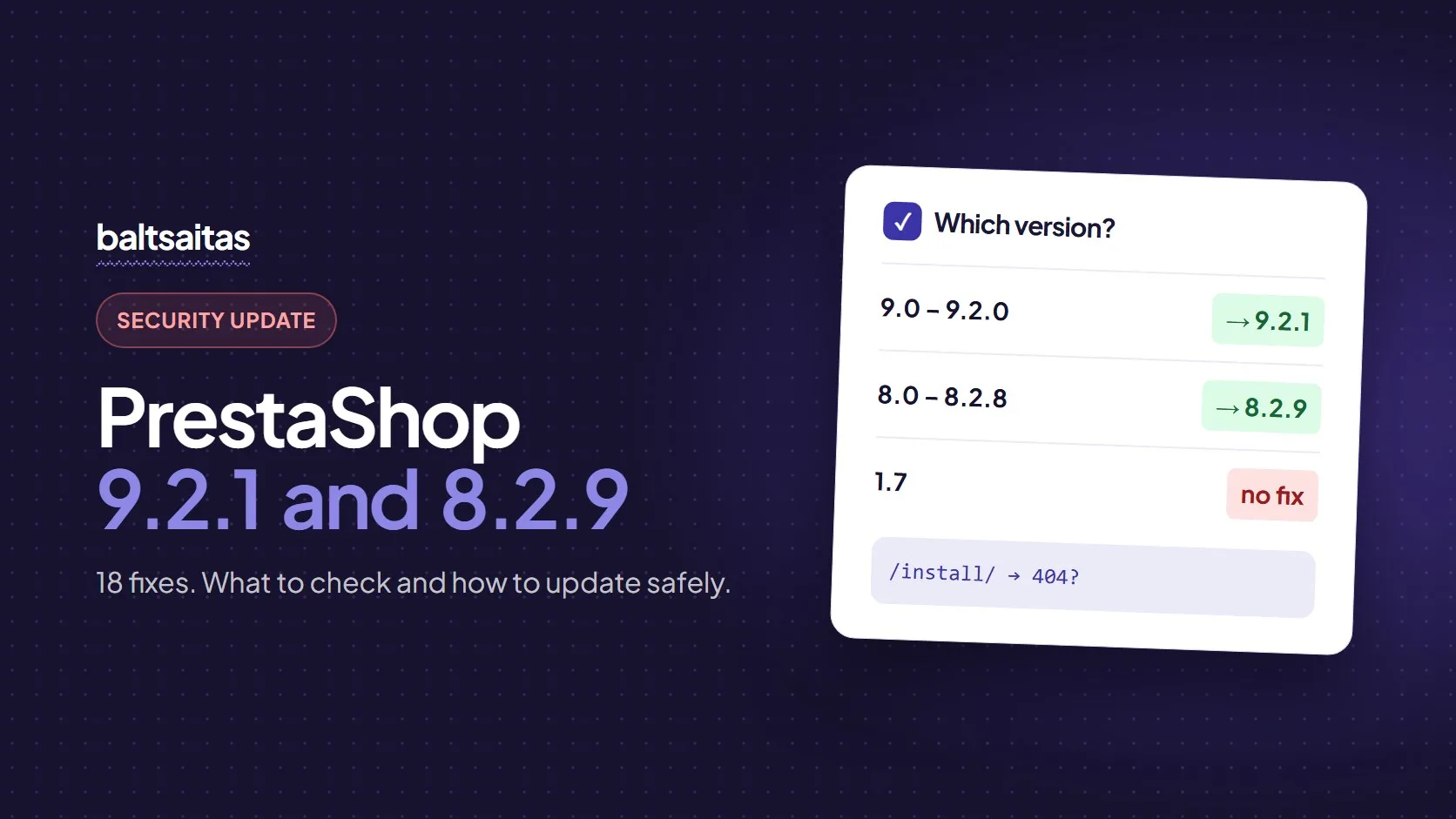
On 9 November 2026 PrestaShop released two security versions, 9.2.1 and 8.2.9. Together they fix 18 issues, and PrestaShop rates 15 of them high. If you run a PrestaShop store, this article is for you: no deep technical detail, just what needs to be done.
In short: update a 9.x store to 9.2.1 and an 8.x store to 8.2.9. PrestaShop 1.7 gets no fix. If you cannot update this week, first check that the install folder is gone from your server.
1. Find out which version your store runs
You will find the version in the back office under Advanced Parameters → Information. If you have no access, the free PrestaShop version check shows it from the outside in a few seconds.
| Your version | What to do |
|---|---|
| 9.0.x, 9.1.x, 9.2.0 | Update to 9.2.1 (there is no separate fix for 9.1 or 9.0) |
| 8.0.x–8.2.8 | Update to 8.2.9 |
| 1.7 or older | Plan an upgrade to version 8 or 9 – 1.7 no longer gets fixes |
2. Check this today
The two most serious issues are in the installer, which sometimes stays on the server after the store is installed. Anyone on the internet can use them, without an account.
Open https://your-store.com/install/ in a browser. If you see anything other than a “not found” (404) page, the install folder has to be deleted from the server. This applies to PrestaShop 1.7 stores too.
The other issues do not affect every store:
- Free orders and limited voucher codes. By submitting several orders at the same moment, someone can get several free orders from one cart or use a single-use code more than once. Until you update, review new orders for duplicates.
- Webservice API keys. If the store is connected to a warehouse, accounting or other system, old or unused keys can expose more data than they should. Delete the ones you do not recognise.
- Employee accounts. If agencies, freelancers or several staff members have back-office accounts, review who is allowed to import themes or modules and upload files.
The full list of issues with technical explanations is in Moonivo’s article on these releases.
3. Update safely
Going from 9.1 to 9.2.1 or from 8.2 to 8.2.9 is not a big project, but it is not a single click either. Three things cause most of the trouble:
- Modules marked as incompatible. The update tool checks compatibility against the module’s PrestaShop Addons listing. If the listing has not been updated yet, the module can be marked incompatible even though it works fine. If the option to uninstall incompatible modules is on, the module disappears together with its settings.
- Shared hosting. Some servers disable functions the command-line update needs. The update can then stop halfway, and the store shows an error 500.
- Edited core files. If someone changed PrestaShop files directly in the past, the update overwrites those changes.
That is why a safe update always follows the same order:
- A full backup of the files and the database.
- A check of the modules and the hosting.
- The update on a copy of the store.
- A test of the cart, payments and emails.
- Only then – the update of the live store.
We covered this in more detail in PrestaShop Update: When Should You Upgrade and How to Do It Safely?.
How much does it cost?
The price depends on the store: how many modules, whether there are custom changes, what hosting it runs on. A smaller update within the same version branch usually takes a few hours including testing. One-off work is from €45/h, and for stores on a maintenance plan (from €99/mo) security updates are included.
We always agree on the price before starting. Send us the store address – we will check the version and modules and tell you what it will cost.
What if the store runs on WooCommerce?
The principle is the same: security fixes come out regularly, and the real risk is a system left without updates for a long time. If you are not sure when WordPress, WooCommerce and the plugins were last updated, it is worth checking – see how to know your website needs an update.
Frequently asked questions
Does my PrestaShop store really need this update?
If your store runs PrestaShop 8.0–8.2.8 or 9.0–9.2.0, yes. These are security fixes, and several of the issues let someone run code on the server without having an account in the store.
How long does the update take?
Changing the version itself usually takes under an hour. Most of the time goes into preparation and testing: a backup, module compatibility, and a test of the cart, payments and emails.
My store runs PrestaShop 1.7. Is there a fix for it?
No. PrestaShop 1.7 no longer receives security fixes, so the only real solution is upgrading to version 8 or 9. Until then, at least make sure the install folder is not on the server.
Can I update the store myself from the back office?
You can if the store has few modules and no edited core files. Make a backup of the files and the database first, and turn off the automatic uninstall of incompatible modules, otherwise a module can disappear together with its settings.